What is an AI banner generator and how can I use it?
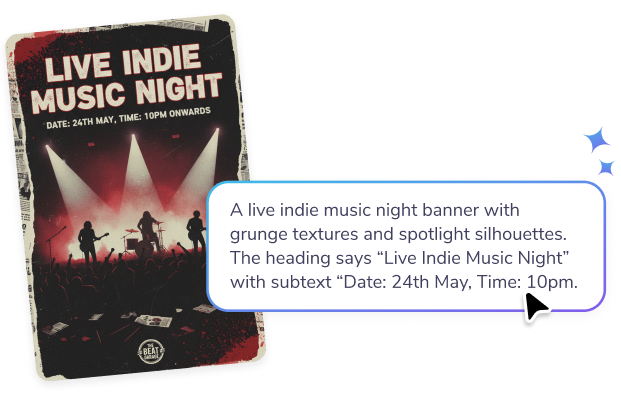
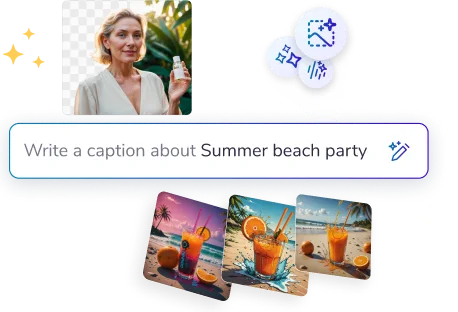
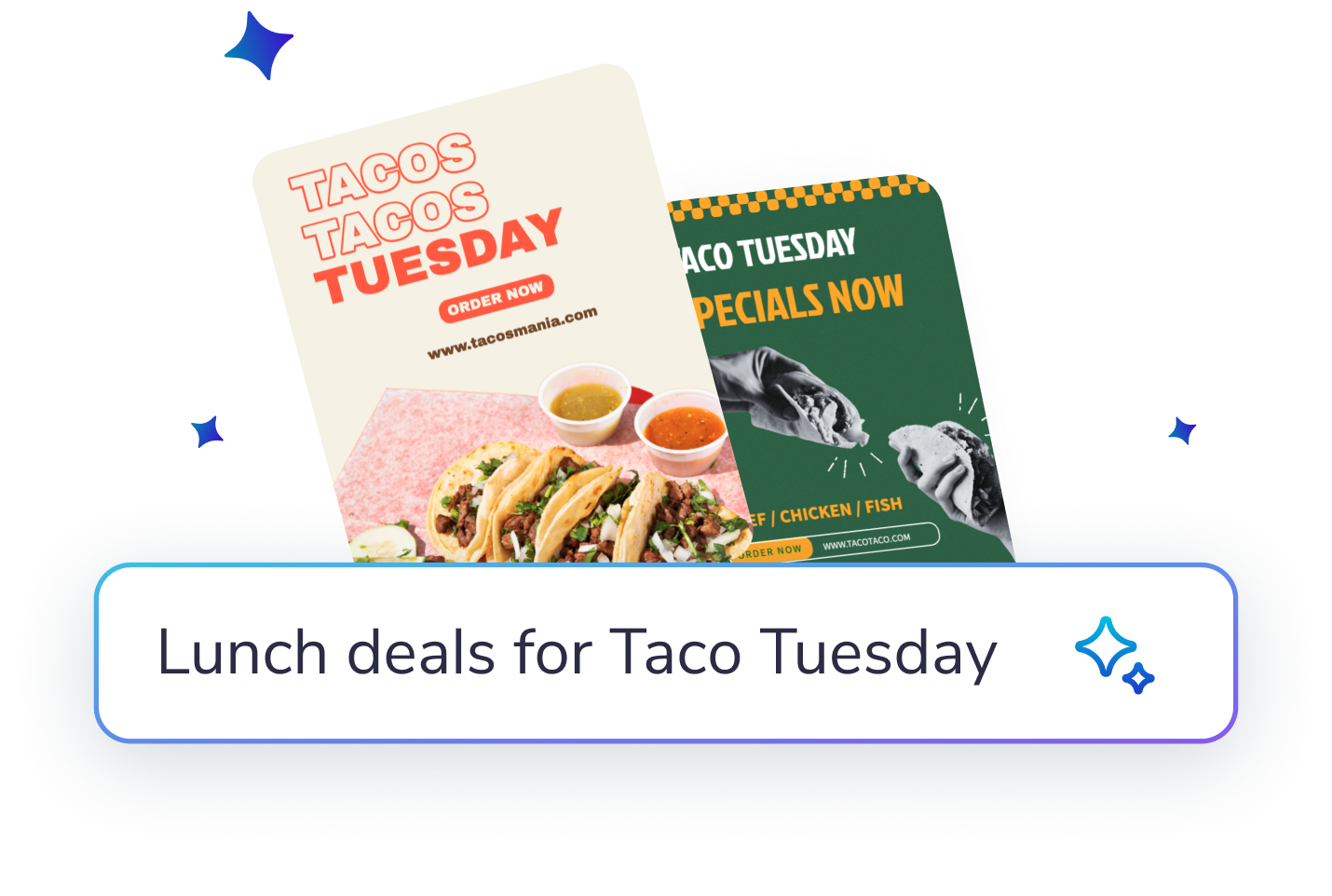
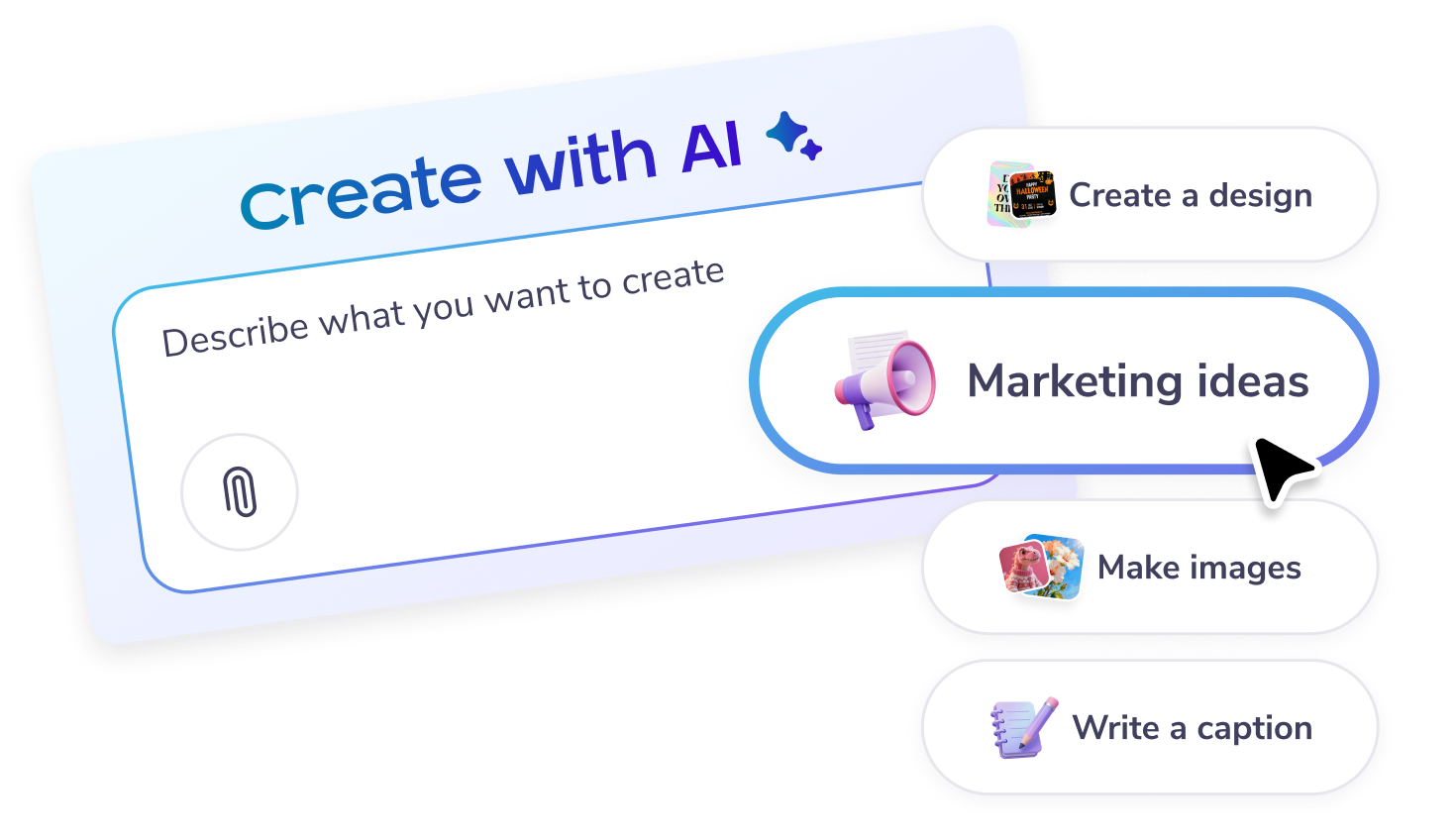
An AI banner generator is a tool that uses artificial intelligence to help you create banners quickly and efficiently. On PosterMyWall, the AI banner generator streamlines the design process, enabling you to create professional-looking banners without prior design experience. Simply select a design template, customize it with your content, and let the AI assist you in making it visually appealing. This tool is perfect for busy individuals who need quick results without compromising on quality.
Can I edit the text on a generated banner?
Yes, the text on a PosterMyWall banner stays editable, so you can fix a typo or rewrite a headline without regenerating the design. This is the difference between a design and a flat AI image. You can also change the font, size, and color of any line.
Can I use the AI banner generator for email campaigns?
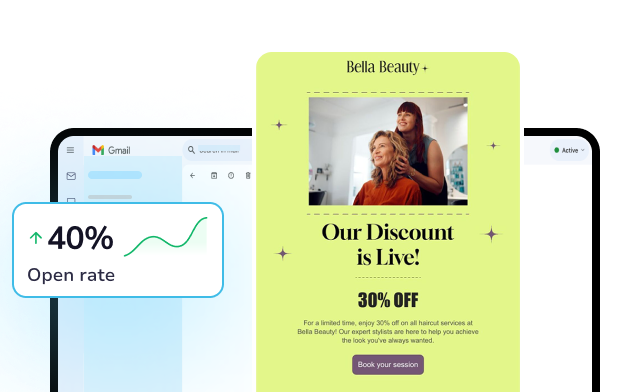
Yes, you can use the AI banner generator to create visually appealing banners for your email campaigns. Once you've designed your banner, you can easily integrate it into PosterMyWall's email marketing platform. This allows you to maintain a consistent and professional look across all your marketing channels, ensuring that your audience recognizes your brand instantly.
Does the AI banner generator help with social media posts?
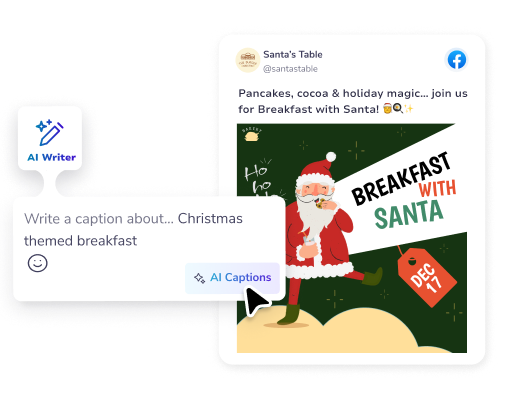
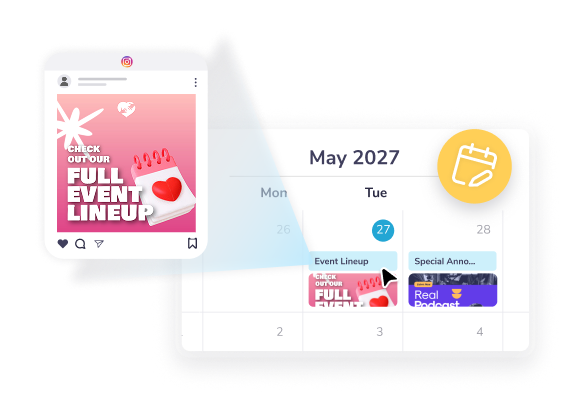
Absolutely. The AI banner generator on PosterMyWall is designed to create banners that can be easily adapted for social media. After designing your banner, you can use the
social media publishing tool to share it directly on various platforms. This feature saves you time, ensuring a cohesive and professional presence across all your social media accounts.
Can I customize designs using the AI banner generator?
Yes, the AI banner generator allows for extensive customization using PosterMyWall's
design templates. Start with a template, then adjust elements like text, colors, and images to suit your needs. The AI aids in keeping your design balanced and professional, perfect for those who need high-quality designs quickly.
What size is a LinkedIn banner?
A LinkedIn personal profile cover is 1584 by 396 pixels, and a company page cover is 1128 by 191 pixels. Both sizes are available on PosterMyWall, so you pick the right one and skip the manual cropping. You can resize one banner into the other in a couple of clicks.
Does the AI banner generator support video content?
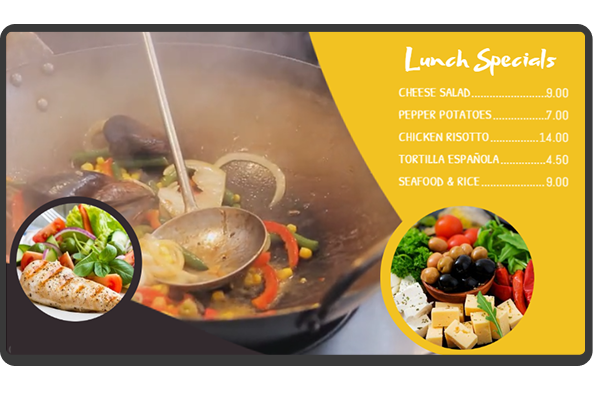
Yes, the AI banner generator supports video content through PosterMyWall's
digital signage tools. You can create dynamic banners that include video elements, making your promotions more engaging. This is particularly useful for attracting attention in busy environments, ensuring your message stands out.
How can the AI banner generator help maintain brand consistency?
The AI banner generator assists in maintaining brand consistency by using PosterMyWall's
Brand Kits. You can store your brand's colors, fonts, and logos in one place, ensuring every design aligns with your branding guidelines. This feature is invaluable for businesses aiming for a cohesive identity across various marketing materials.
Can I resize designs created with the AI banner generator?
Yes, you can resize designs easily with PosterMyWall's resize tool. This feature allows you to adjust your banner's dimensions to fit various platforms and formats without starting from scratch. Whether it's a social media post or a print banner,
resizing ensures your design looks great everywhere.
What size should a YouTube banner be?
A YouTube channel banner is 2560 by 1440 pixels, with the safe area for text in the middle 1546 by 423 pixels. PosterMyWall has that size ready, so your art fills the space and your text stays visible on phones, desktops, and TVs without getting cropped.